
By Caroline Cope
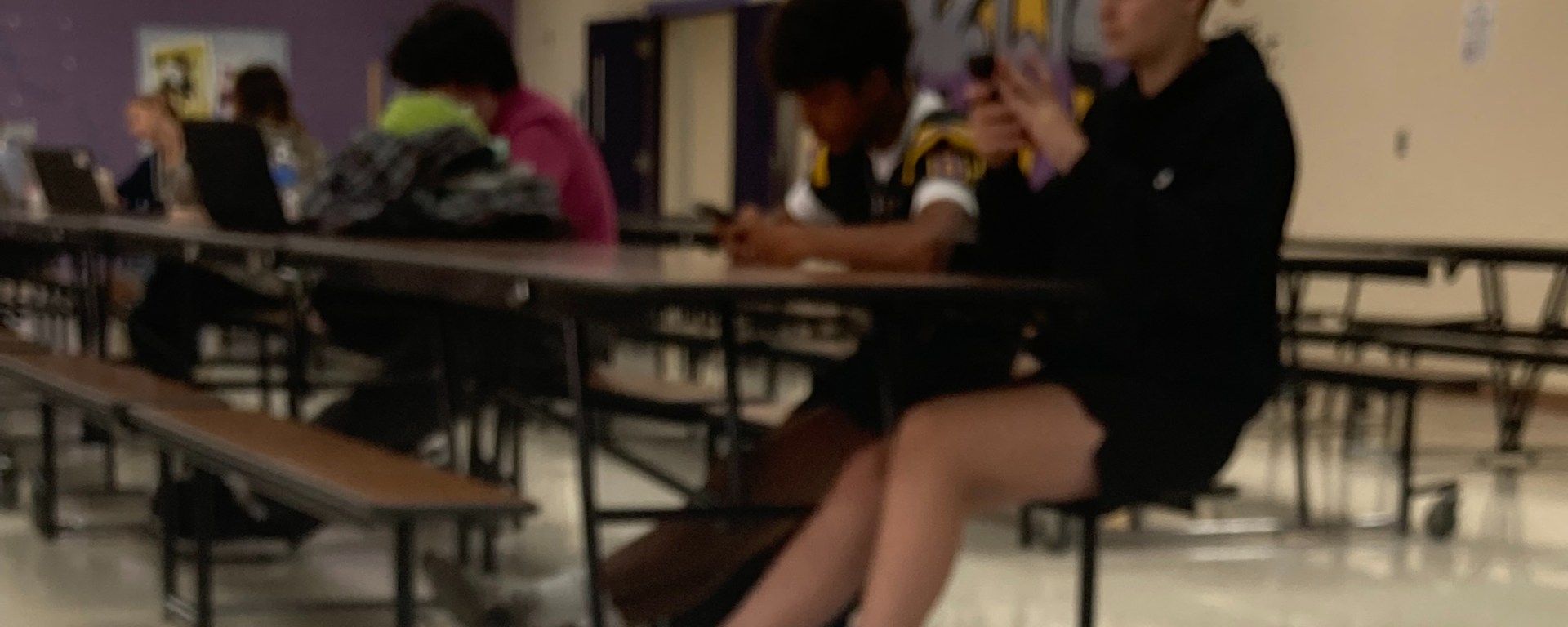
Phones have become an integral part of teenage life: one can easily call friends, stay up-to-date on social media, and even monitor Google Classroom, all with the tap of a finger. Gen Z is the first generation to have the most accessibility to personal electronics–phones, tablets, laptops, wireless earbuds, smart watches–while new technology is always emerging and getting in the hands of Bellbrook High School students.
Because of the growing use of personal electronics, the Ohio Department of Education has developed a new law requiring all public schools in the state to have a policy prohibiting phones, effective January 1, 2026. According to the department, their motives are to increase productivity and achievement.
Biomedical sciences teacher Rebecca Goodwin believes that phones can be a distraction, and has seen it first-hand in her classroom.

“One thing that we need for discovery and creative thinking is a mind that’s not cluttered with lots of information,” Goodwin said. “So when phones are constantly in use, students’ minds don’t have time to rest to understand material deeply at a higher level.”
As Bellbrook High School nears its second quarter, teachers will likely start to become more strict on phone use in their classrooms. Although phones and other personal electronics can be distracting from schoolwork, there are some ways to use phones appropriately for academics; here are a few that you can adopt to maximize your productivity and organization for school.
1. Delete distracting apps.
Deleting apps that distract you from homework is easier said than done. Many students enjoy scrolling on social media or playing mobile games as they chill out, but these apps can take away your energy and focus from studying and completing coursework. Trying to eliminate distractions can help reduce brain drain.
2. Set up Apple Screentime or download screentime-managing apps
If you have an Apple iPhone, you (or a parent, although you’ll have less authority over it) can set up Screentime in your settings. You can set downtimes for each day when apps shut off, set certain timers for each app, and can select apps as “always allowed.” Reducing screen time to get off your phone may help bring you back to reality if you often find yourself absentmindedly scrolling, losing track of time.
Natalie Recher, a senior at Bellbrook High School, has developed strict screen time rules for herself to help keep her on track with schoolwork and other extracurricular commitments. “I’m on my phone maybe three hours a day,” Recher said. “I typically limit myself to no phone an hour before I go to sleep…and no phone until my homework is complete.”
If you don’t have an Apple iPhone, other operating systems may offer similar features, and some downloadable apps can offer similar features. An alternative to Apple Screentime is creating a custom Do Not Disturb setting, and setting it to turn on while you are at the location of Bellbrook High School.
3. Use the Apple Calendar app or the Google Calendar app
Phones have so many more uses than snapping people and listening to music–there are already great productivity features already embedded into phones. Taking advantage of a calendar app, whether it be the Apple Calendar or Google Calendar, is a great way to keep classes, sports practices, work shifts, and other activities organized.
Apple Calendar offers widgets so you can see your schedule conveniently on your homescreen. The app also makes it easy to color code certain scheduled activities, invite other Apple iPhone users to your scheduled events, and replicate events automatically.
Google Calendar offers many similar features. BHS students can log into the app via their student Gmail account to access events, due dates, and lessons that their teachers or coaches may have already scheduled. Students can privately add their own events as well to craft a clean, streamlined schedule all in one place.
4. Use apps to set reminders
There are so many unique and innovative apps out there to set reminders, but the Apple Reminders app is simplistic and intuitive to use. You can create different lists, assign them a due date, a location, subtasks, notes, and even priority levels.
Apple Reminders as well as Apple Calendar events also sync with other devices logged into the same iCloud account. This means that you can create Reminders on one device, and view or interact with them on another device.
Recher plans to use her iPad to take notes in college, and is currently saving up for a laptop.
“[Personal electronics] make [staying organized] more accessible for on the go, since everything is interconnected,” Recher said.
As coursework begins to pile on higher as coursework gets more intense, it is important to be able to balance electronic use and schoolwork. Utilizing personal electronics for academic purposes is vital for student success in 2025.
 EagleView News